Forms
Forms
Data entry and editing within InvenTree is typically performed through the use of forms, which provide a structured interface for inputting and modifying data. Forms are designed to be user-friendly and efficient, allowing users to quickly enter and update information within the system.
Forms are typically displayed as a modal dialog, separated into multiple sections and fields.
Data Creation
Example: Creating a new part via the "Add Part" form:

On several forms is displayed option "Keep form open" in bottom part of the form on left side of Submit button (option is visible on the screenshot above). When this switch is turned on, form window is not closed after submit and filled form data is not reset. This is useful for creating more entries at one time with similar properties (e.g. only different number in name).
Data Editing
Example: Editing an existing purchase order via the "Edit Purchase Order" form:

Form Submission
A form can be submitted by clicking the "Submit" button located at the bottom-right corner of the form.
Alternatively, an open form can be submitted using the keyboard shortcut Ctrl + Enter (or Cmd + Enter on macOS). This shortcut works even while typing in a form field, providing a quick way to submit the form without needing to reach for the mouse. It is particularly useful in multi-line text fields, where pressing Enter inserts a new line rather than submitting the form.
The keyboard shortcut is only active while a form is open, and follows the same rules as the "Submit" button - for example, it has no effect while the form is loading, or when editing an existing item without any changes.
Confirm Actions
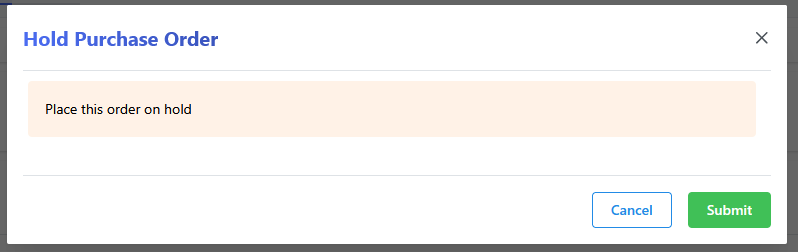
Many actions within InvenTree require user confirmation before they can be executed. This is typically implemented through the use of confirmation dialogs, which prompt the user to confirm their intention before proceeding with the action.