Stock Status
Stock Status
Each Stock Item has a status attribute, which serves to identify the current condition of the individual stock item.
Certain stock item status codes will restrict the availability of the stock item.
Below is the list of available stock status codes and their meaning:
| Status | Value | Description |
|---|---|---|
| OK | 10 | Stock item is healthy, nothing wrong to report |
| Attention needed | 50 | Stock item hasn't been checked or tested yet |
| Damaged | 55 | Stock item is not functional in its present state |
| Destroyed | 60 | Stock item has been destroyed |
| Rejected | 65 | Stock item did not pass the quality control standards |
| Lost | 70 | Stock item has been lost |
| Quarantined | 75 | Stock item has been intentionally isolated and is unavailable |
| Returned | 85 | Stock item has been returned from a customer |
Of these, only OK, Attention needed, Damaged and Returned count as "available" stock - the remainder are excluded from availability calculations.
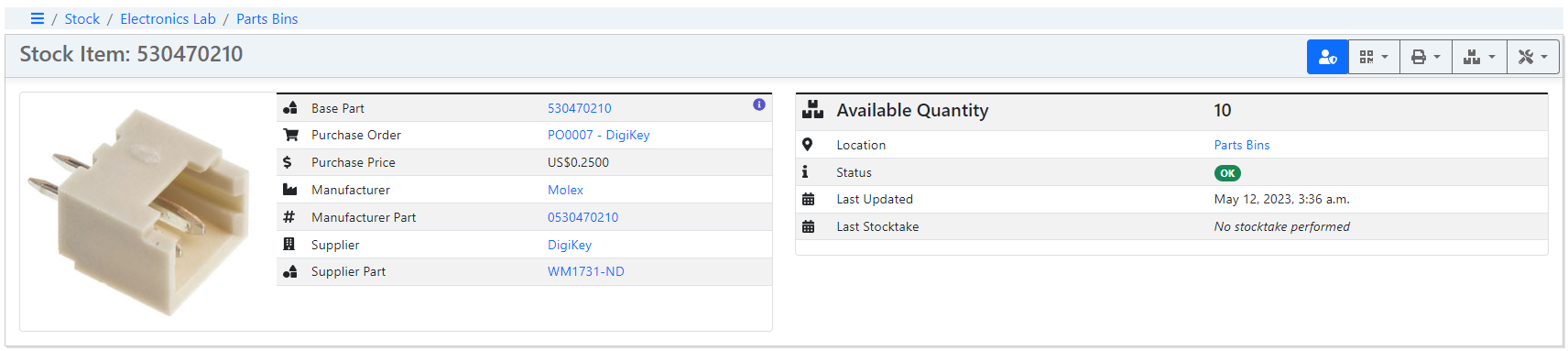
The status of a given stock item is displayed on the stock item detail page:
Custom Status Codes
Stock Status supports custom states.
Default Status Code
The default status code for any newly created Stock Item is OK
Update Status
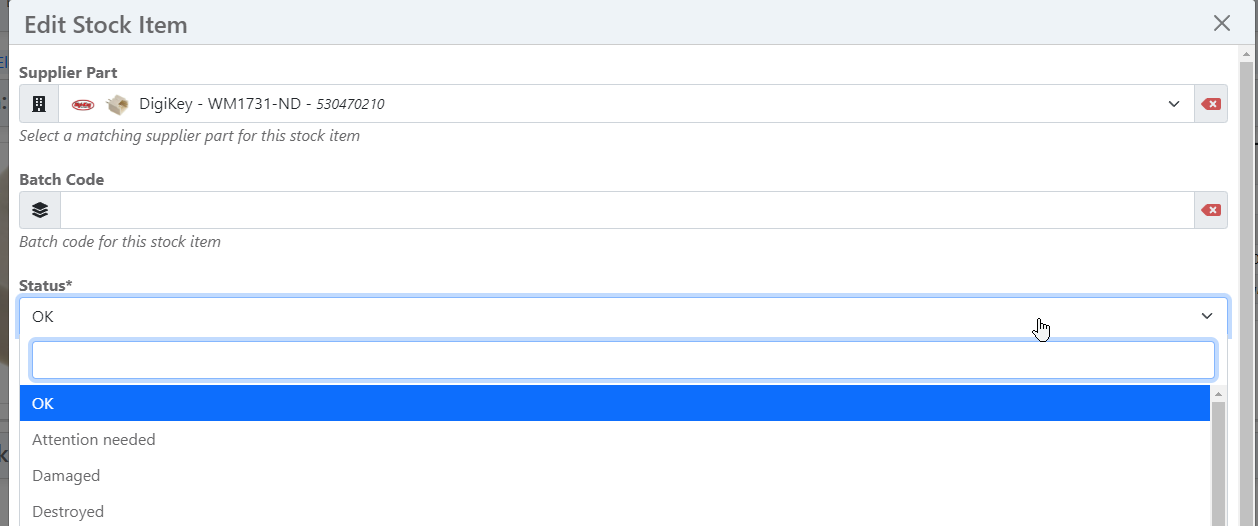
To update the status code for an individual stock item, open the Edit Stock Item dialog and then select the required status code in the Status field